Free is the tool. Pro works for you.
Manual tools and reviewed bulk edits are free. Pro adds a ranked Plan and Ask your data.
Choose your plan
Free
Do the work yourself or with your own assistant.
- Every manual tool and reviewed bulk fix
- Validation, Model quality and AI readiness
- History, Undo, Reports and confirmed publishing
- No AI inference by Semanticus on Free
Pro
Semanticus decides and does permitted work for you.
- A ranked Plan and runs of ready steps
- Ask your data
- Jev advice, with permission for each model
Where Pro joins
| Area | Free | Pro adds |
|---|---|---|
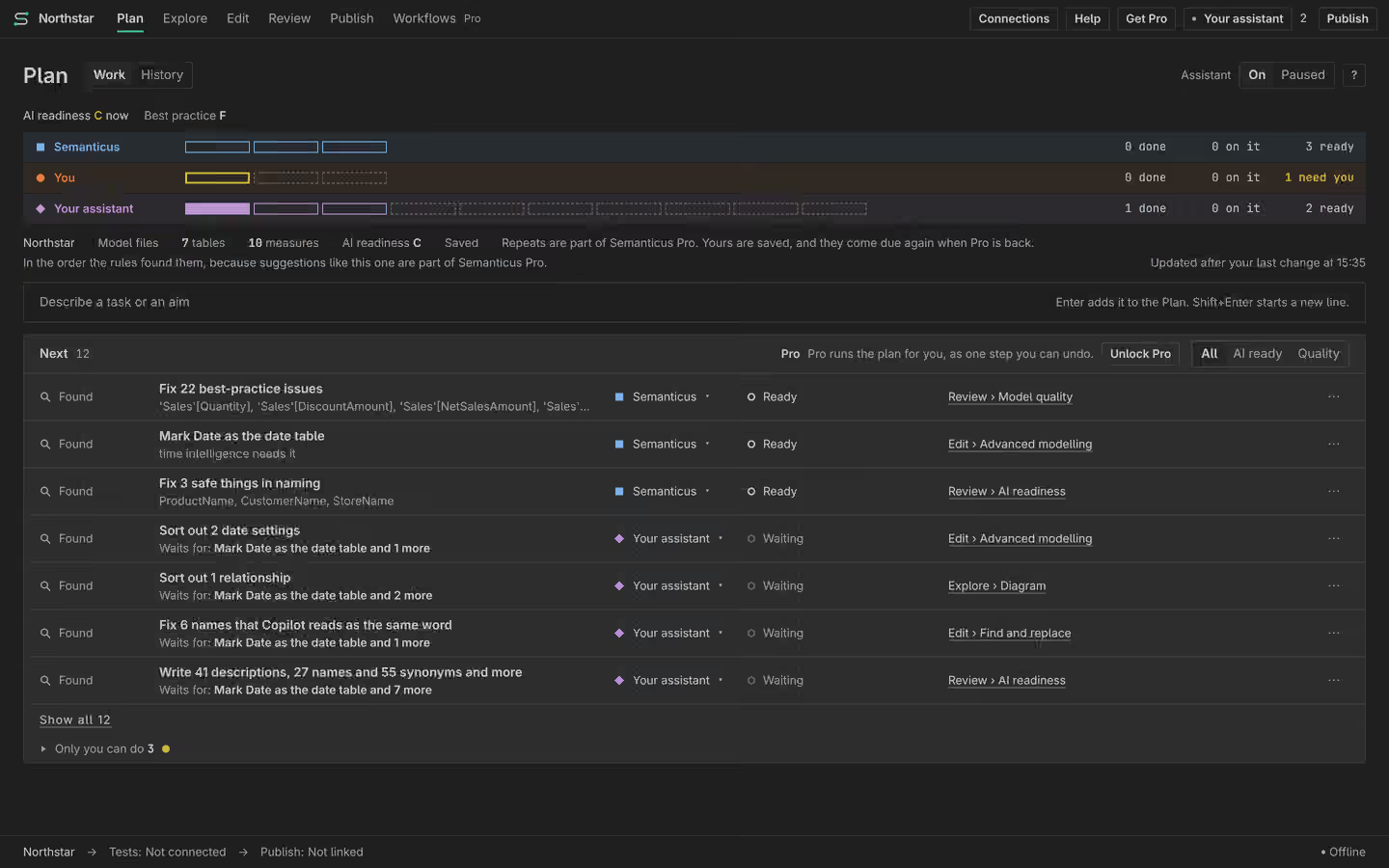
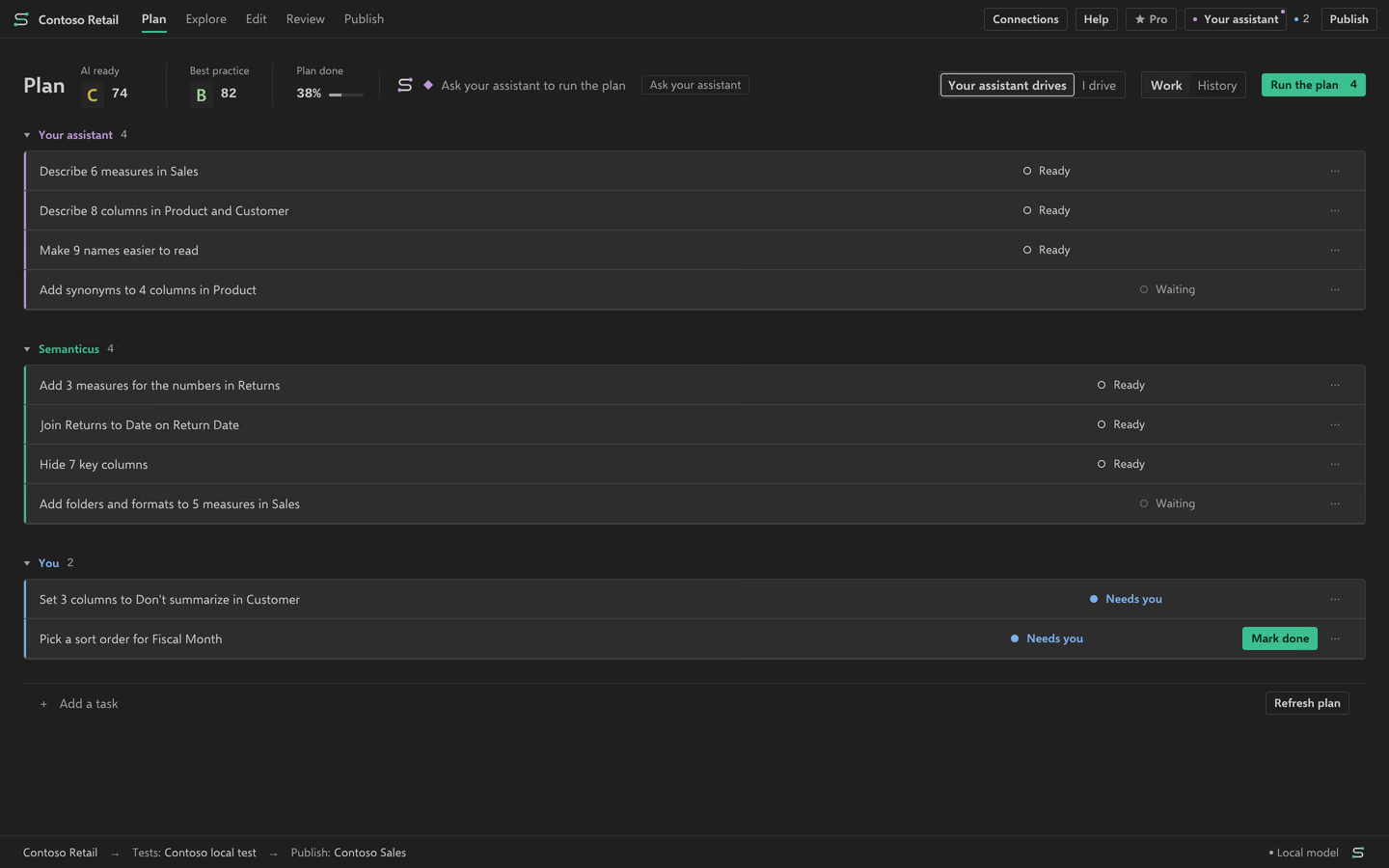
| Plan | Findings in rule order, tasks, changes, History and Undo | A ranked Plan and runs of ready Semanticus steps |
| Explore | Diagram, Lineage, Data and Size by table | Ask your data |
| Edit | Manual tools and reviewed bulk fixes | Advice choices you allow for this model |
| Review | Validation, Model quality, AI readiness and Reports | Use the Plan to follow permitted work |
| Publish | Preview, confirmation, published versions and Compare | The same reviewed write boundary |
Permission belongs to each model
Jev is the Semanticus helper on Pro. It makes small choices you can inspect, such as formats and Plan order. Nothing is sent for advice until you agree for that model. What Pro decides lets you turn individual choices off. A point marked not on yet cannot act.
Names, types, formats, folders, descriptions, counts, relationships, formula facts and relevant synonyms can go to the advice service. Words you type go as typed. Table rows, returned values, formula text and credentials do not go on that path.
What leaves your machine. Your assistant’s own account has a separate data policy.
Get Pro inside Semanticus
- Install Semanticus and open its Pro page from the assistant menu.
- Choose Monthly, USD 10 a month, or Yearly, USD 100 a year.
- Use Get Pro in the app. Payment opens on Stripe’s secure page in your browser.
- Return to the app and check its licence state. If activation has not arrived, follow the app’s recovery steps or contact support.
- Give permission only for the models where you want Jev advice.
Limit. You buy Pro inside the app, not on this website, so this page cannot confirm a purchase.
See both Plan states
Questions before you pay
Do I need an assistant subscription?
No assistant is needed for manual work. To connect your own assistant, bring its account. Pro does not include that account.
Does Pro remove the review steps?
No. Read previews, inspect results and confirm remote writes. Missing evidence stays unknown.
How do I cancel?
Use Manage subscription in the app for Stripe subscriptions. See the refund policy for past purchase handling.