Work with your assistant
You and your assistant use one model session, with one history and separate accounts.
On this page
Connect your client
Open the model in VS Code first. Run Semanticus: Connect AI Assistant from the Command Palette. For clients such as Claude Code that use .mcp.json, the command writes the connection file. Start the client in that workspace and allow the Semanticus MCP connection. For another client, use its MCP settings with the configuration the command provides. Keep the model open while the client works. Semanticus does not hold your assistant’s API key.
Give it one clear task
Ask it to read the open model and explain a named measure before asking it to change anything. On the Plan, add a task such as “Explain how Total Sales handles returns”. Tasks go to your assistant unless you choose I’ll do it. The assistant takes a ready task on its next call, then replies or says why it could not finish. Pause the queue if you want to stop new handoffs. Inspect the task and History before keeping later edits.
Optional skills
Run Semanticus: Install or Update Assistant Skills to install guidance for Claude Code or Codex. Supported versions of Copilot can load the bundled extension skills. Skills explain how to use the existing connection. They do not open another model session, buy an assistant account or grant write permission. Core orientation is also available through MCP, so skills are optional.
Instructions and reviewed lessons
AI instructions describe how to work on this model. Model notes hold business context. Lessons your assistant writes remain not reviewed until you trust them. Read a suggestion before accepting it. Treat recalled lessons as context to inspect, not proof that today’s answer is correct.
If it cannot connect
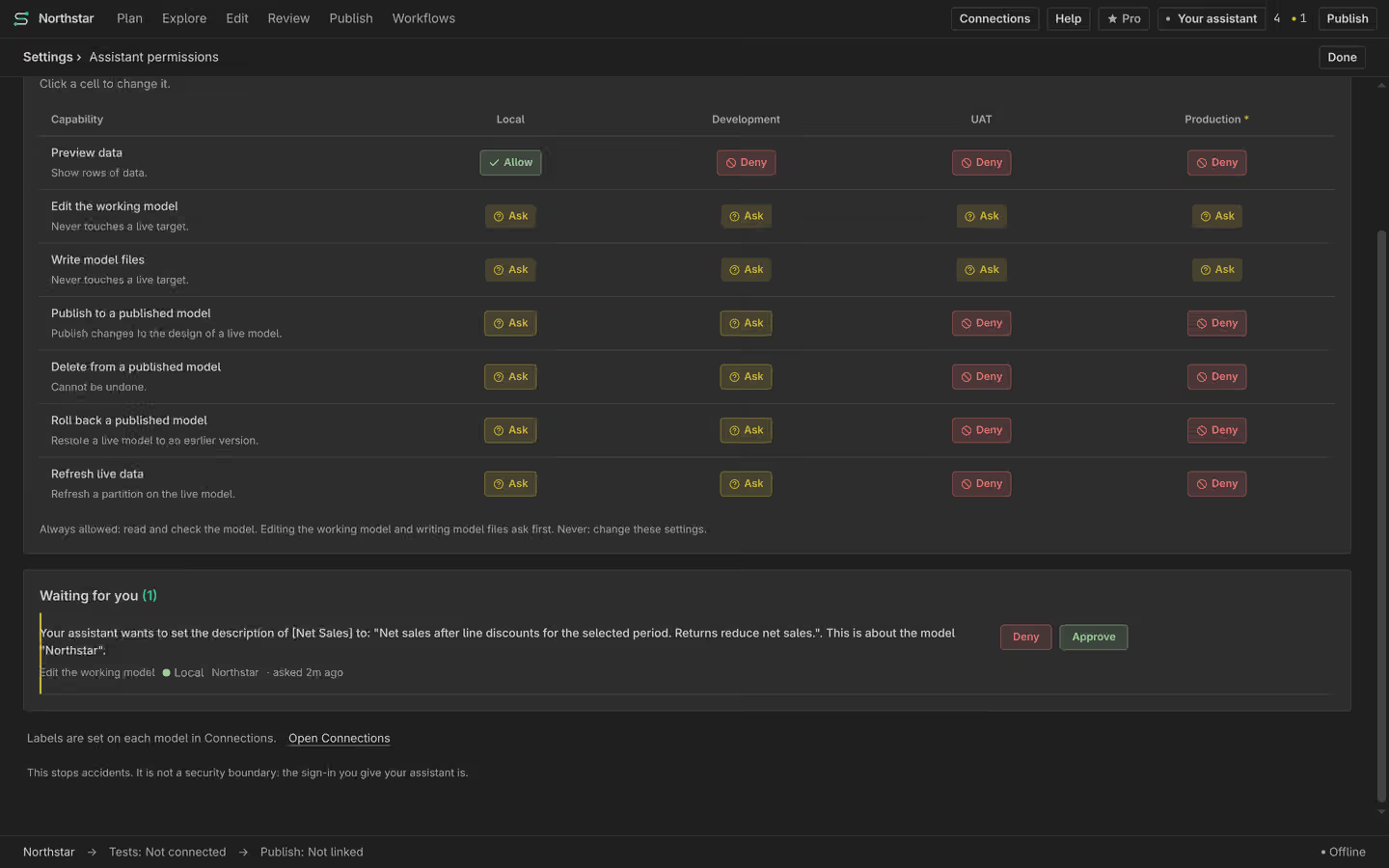
Check the workspace, the running VS Code session and which model is open. Restart the client after changing its connection file. Read any pending exact-action approval in Semanticus. A denied operation is not a connection failure. Do not share saved sign-ins or keys to work around it. Use the permission guide to choose Allow, Ask or Deny.