Edit advanced model objects
Work on calculations, security and model views with their limits in sight.
On this page
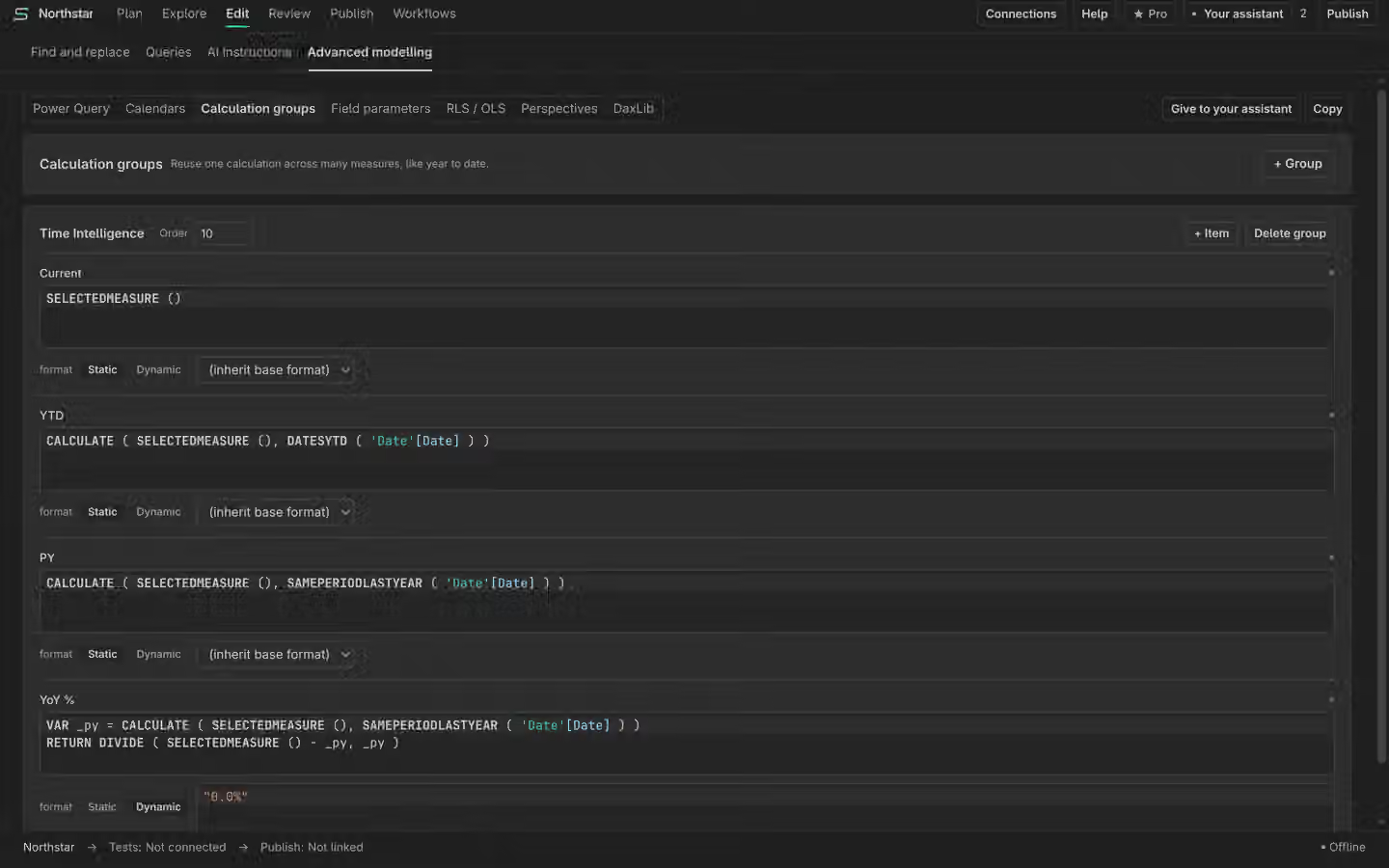
Calculation groups
Create or edit a calculation group and its items. Inspect the expression, format expression and precedence before applying. Test the intended measures and contexts after a change. A checked DAX write does not prove every calculation-group combination.
Roles and security
Edit roles, table filters and object visibility. Row-level security (RLS) restricts rows. Object-level security (OLS) restricts objects. Static analysis can inspect these definitions, but it does not impersonate a user to prove dynamic RLS behaviour. Run appropriate service-side tests for the identities you need.
Perspectives and field parameters
Use perspectives to choose the objects a view presents. A perspective is not a security boundary. Review field parameter selections and their referenced objects before saving. Manual changes to these objects are Free.
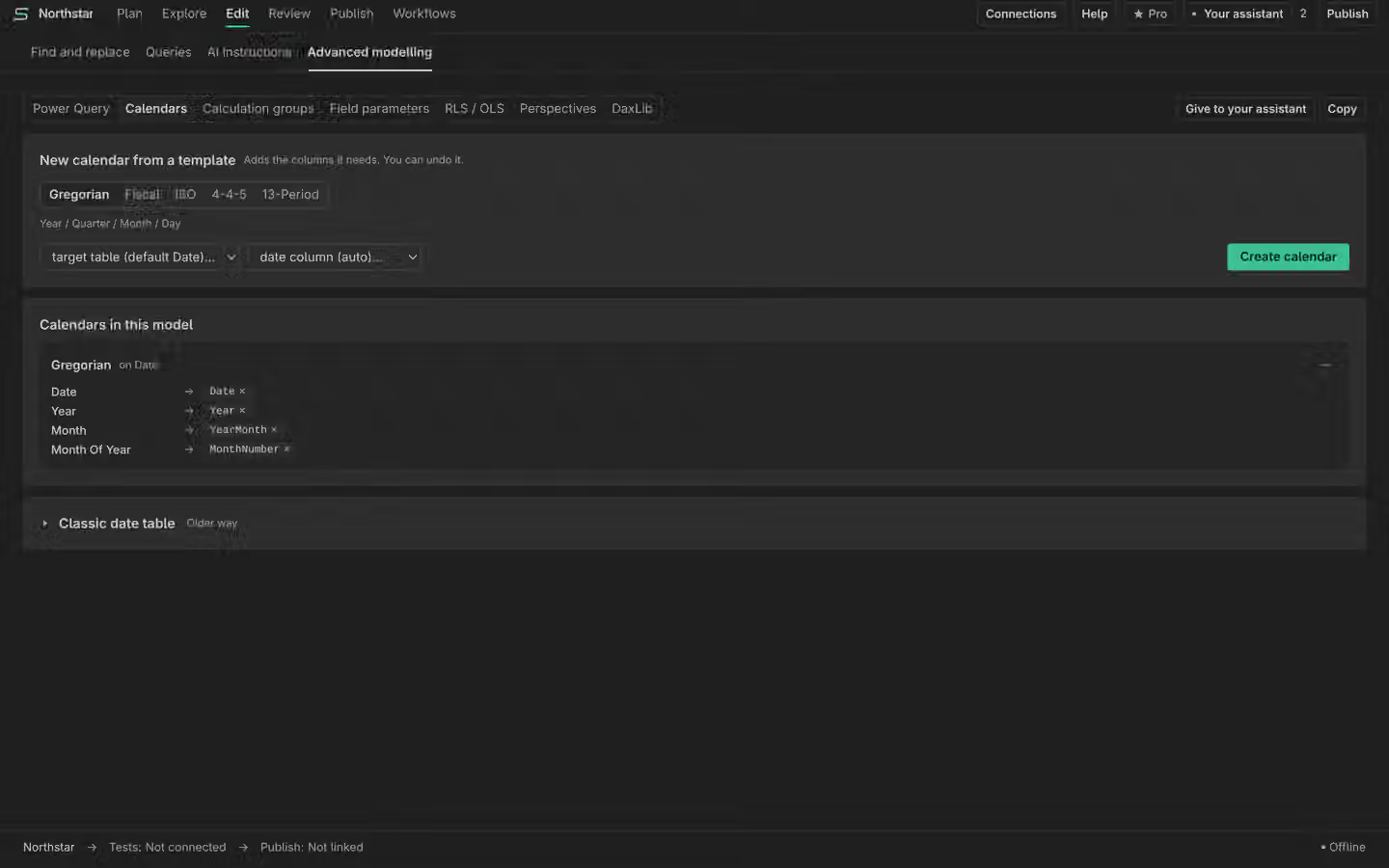
Modern calendars
Map the calendar’s categories to the intended columns and inspect the result. Modern calendars require compatibility level 1701 or later. An unsupported compatibility level needs a model decision, not a hidden fallback. Check the model’s intended consumers before raising compatibility.
Check the change
Read the values in Plan History, run relevant queries and inspect dependencies. Keep the compatibility and security limits beside your review. Publishing advanced objects still requires a destination preview and confirmation.