Preview rows
Look at a bounded live result without mistaking it for the whole table.
On this page
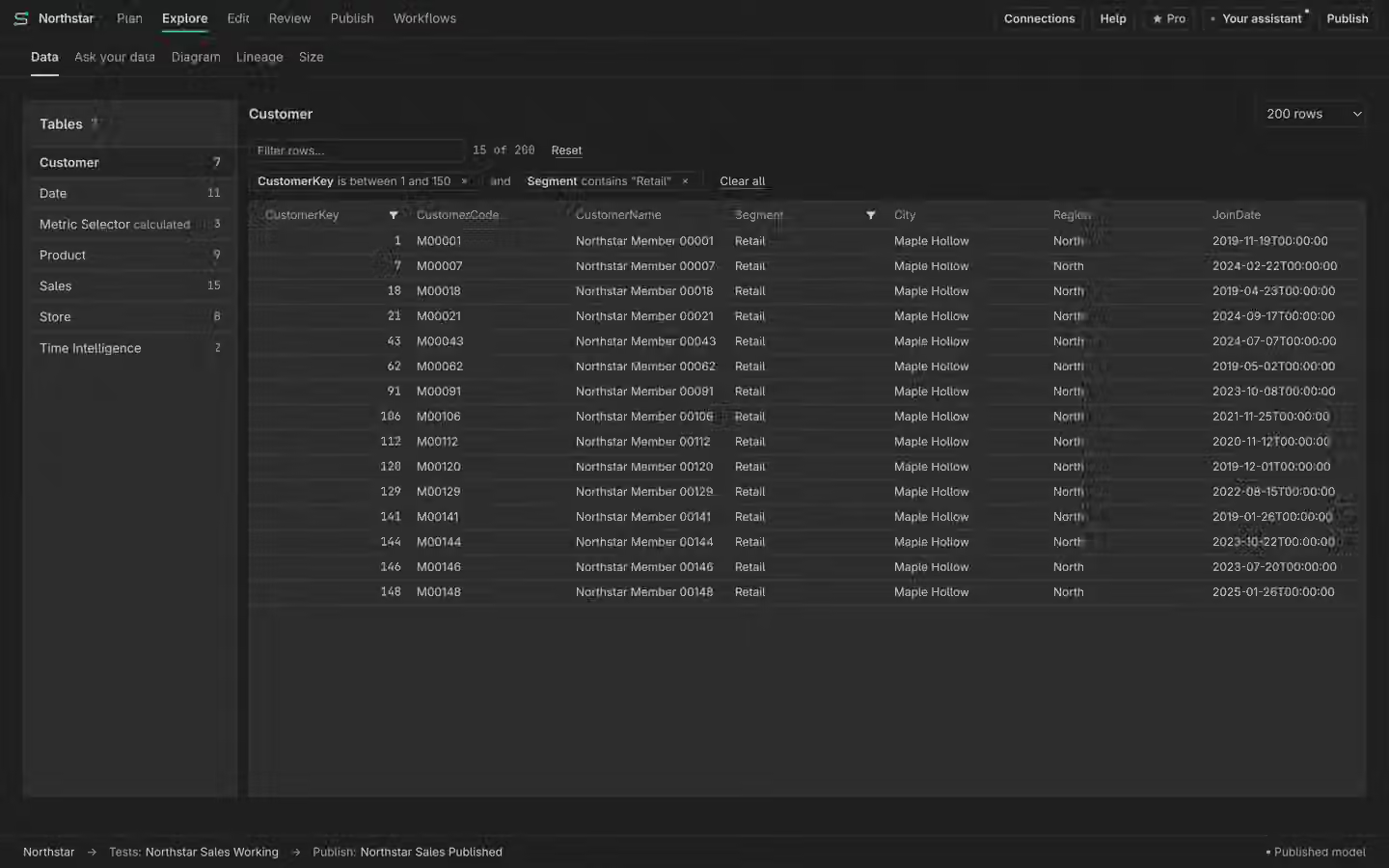
Choose the table
Open Data under Explore and select the table you want to inspect. A connected live model must be available through Tests and queries. Local model definitions alone cannot return rows. Check the model name before using the preview to explain a result.
Filter the preview
Use filters to narrow the rows and inspect the columns relevant to your question. Read the row limit and any truncation message alongside the grid. Sorting or filtering a bounded preview does not prove facts about all rows outside it. Use a query or a trusted validation check when you need an exact total.
Understand access
Results depend on the selected connection and its permissions. A preview does not impersonate every report user. Security filters and unavailable sources may change what you can inspect. If the page asks for a connection, add the intended query model rather than treating the empty grid as an empty table.