Share a model guide
Generate a readable guide, then inspect the actual export.
On this page
Choose the content
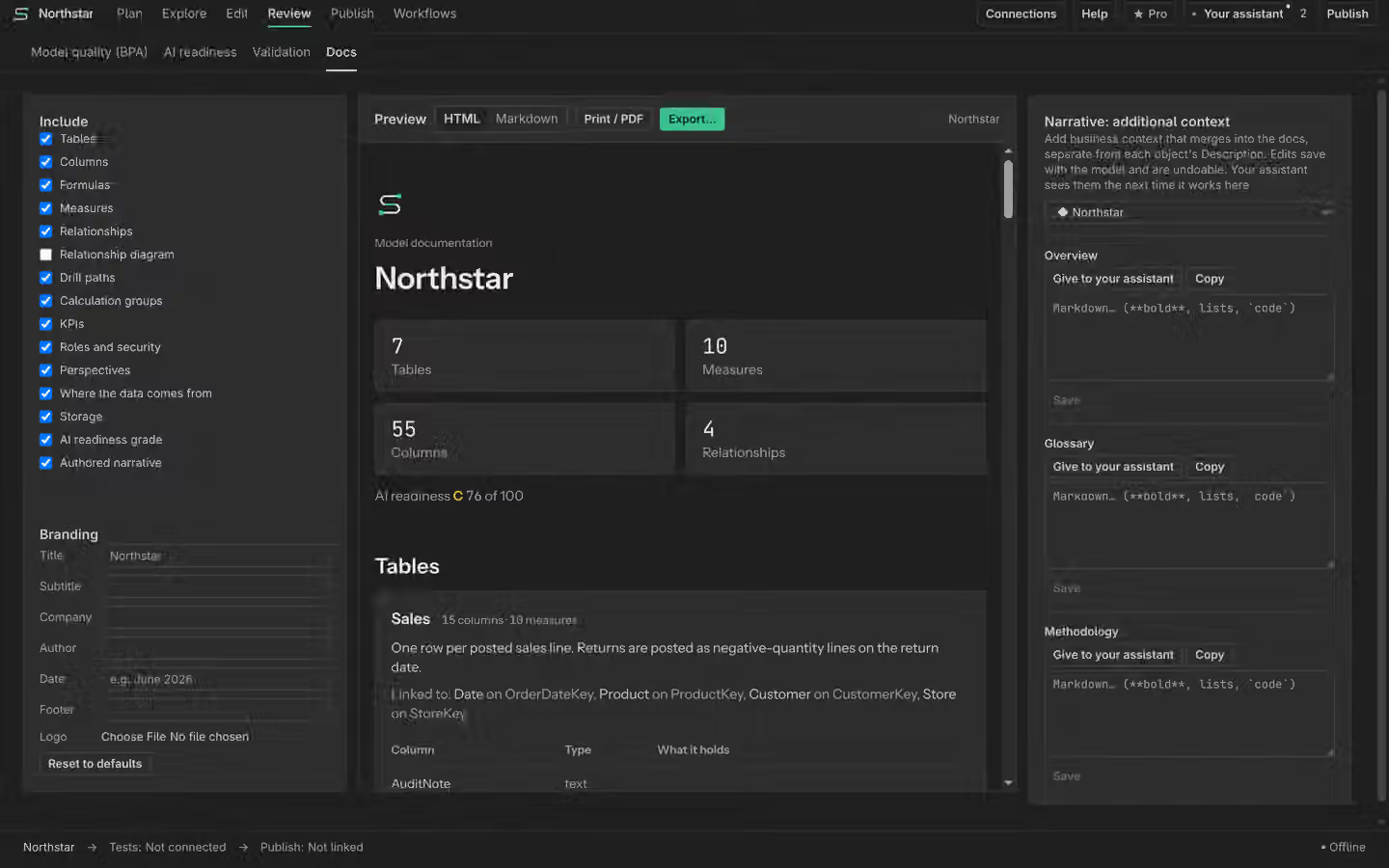
Open Docs under Review and select the model content to include. Choose the tables, measures and relationships relevant to your audience. A generated guide describes the inspected definition. It cannot fill in business meaning that was never written.
Add the business story
Read Model notes and descriptions before including them. Review suggested text and unreviewed lessons separately. Explain units, preferred measures and important exclusions in plain words. Manual generation and editing are Free.
Preview and export
Inspect the preview, then choose HTML, Markdown or PDF as appropriate. Open the exported file and check its headings, tables and any omitted content before sharing it. Export formatting is separate from proving model outcomes. Keep the model version or commit with the guide so readers know which definition it describes.