Change a source query
Edit Power Query M while keeping preview and data loading separate.
On this page
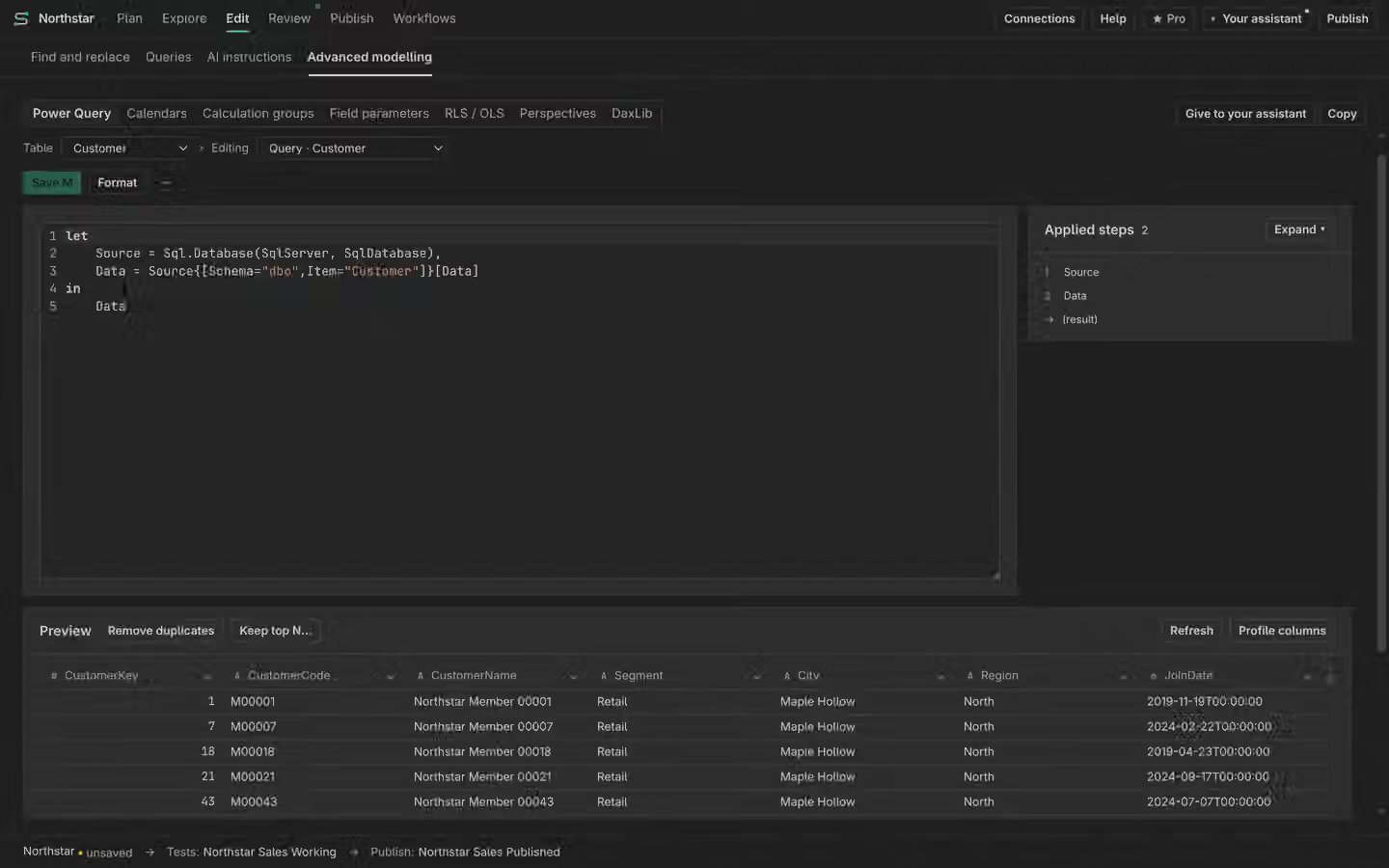
Read Applied Steps
Open Power Query and choose a partition or source query. Applied Steps shows the query’s sequence. Inspect the selected step and the M editor before changing it. M is the language used by Power Query. A source path in M may expose more than a model object name, so review replacements carefully.
Understand the preview
Supported local M preview requires Windows 11 x64. A preview evaluates supported steps for inspection. It does not prove that a full model refresh loaded the same rows or that every connector is supported. Read unavailable preview states rather than assuming the edited query has run.
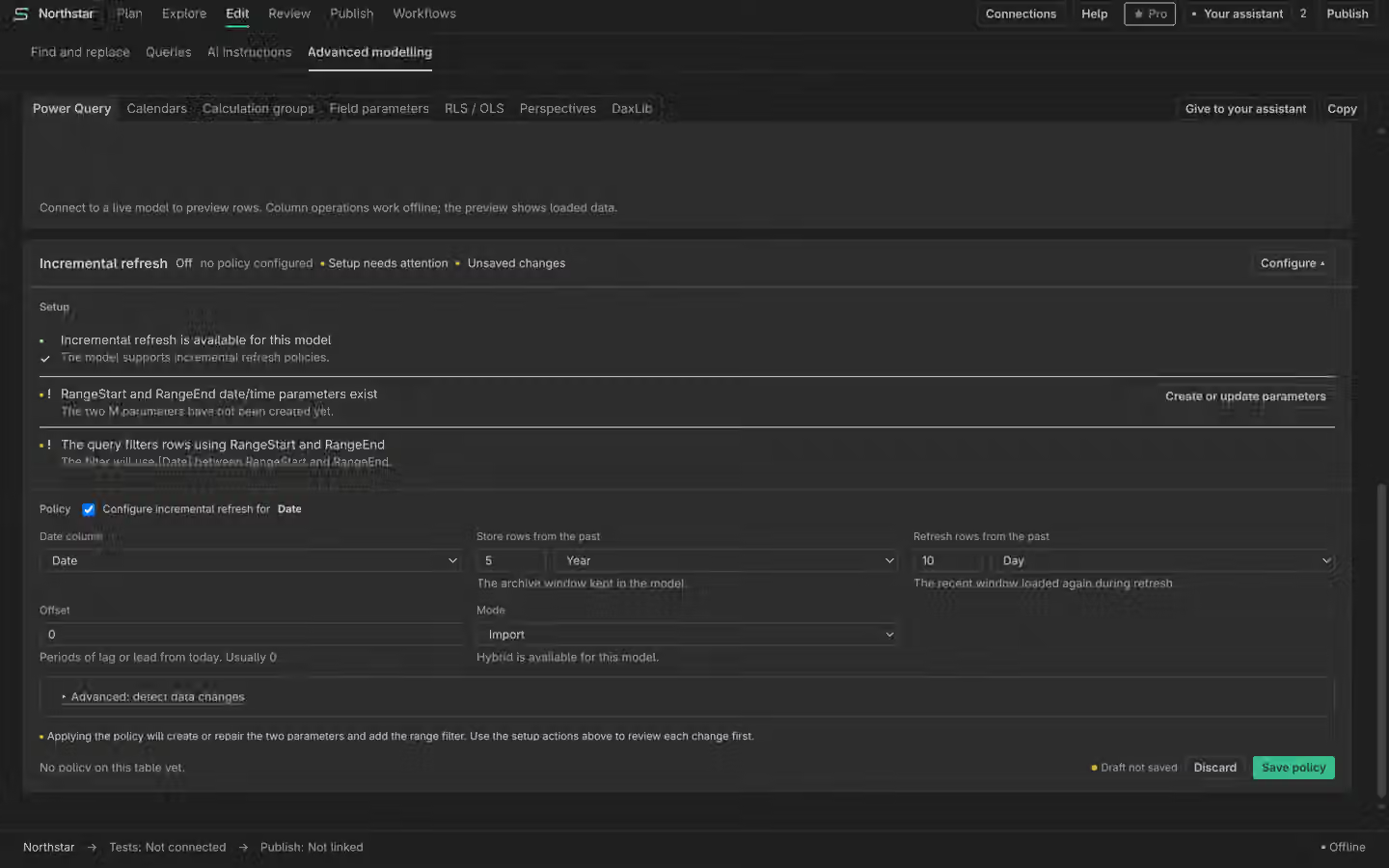
Set incremental refresh
Inspect the prerequisites before defining an incremental refresh policy, including the query’s required parameters and filters. Review the complete policy before applying metadata changes. A missing prerequisite blocks a supported policy; do not infer that a partial preview has enabled refresh.
Metadata and refresh
Applying an M edit changes the model definition. Refreshing the model and loading rows is a separate operation with its own connection, permissions and service limits. Check the resulting model and data after the supported refresh path. Use History to inspect metadata edits.