Your first session
Open a model you know. Make one small change, check it, then try Undo.
On this page
Open a model
Install Semanticus from the VS Code Marketplace. Open the Semanticus view and run Semanticus: Open Model. Choose a BIM file, a TMDL folder or the semantic-model folder in a PBIP project. These are local model definitions. A definition alone cannot return live query results. To read rows, add a supported live connection in Connections. Start on a copy if this is your first session.
Read the Plan
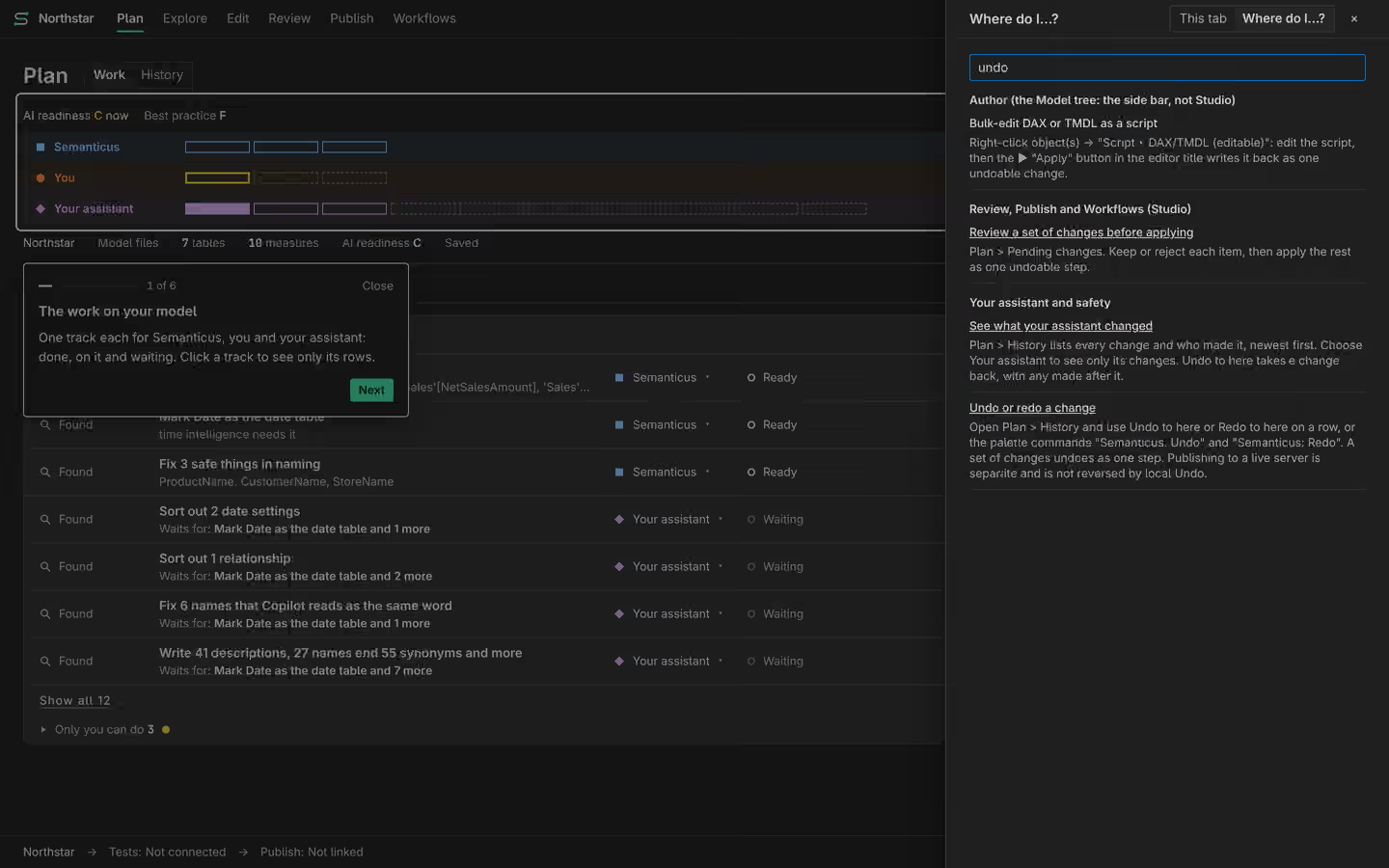
Open Studio. Plan is the start page. On Free, findings appear in rule order. Open one to see what it found and where you can work on it. A task you type is separate from a finding. Enter adds the task. Shift+Enter starts another line. Choose I’ll do it if you want to own the work yourself.
Make a small edit
In the model tree, select a measure whose meaning you understand. Open Properties and add a short description. Say what it calculates, its unit and any important exclusion. Apply the field. Return to Plan and open History. Check the author and the value before and after. Undo the edit, then Redo it. This exercise changes metadata, not rows in your source.
Check and save
Run Model quality to inspect the definition. For a number check, use Validation with a live model and an answer you trust. Could not check means evidence is missing. It does not mean Pass. Save a local model when you are satisfied. A live destination is a separate step: review its Publish preview and confirm the write.
Add help when you want it
Manual work needs no assistant account. To use your own assistant, follow the setup guide. Both access the same session and History. Your assistant sees your edits the next time it reads the model. Pro permission is a separate choice for each model. You can learn the Free workbench before making that choice.