Choose your models and sources
Name the model you edit, the source you query and the destination you publish to.
On this page
Three model roles
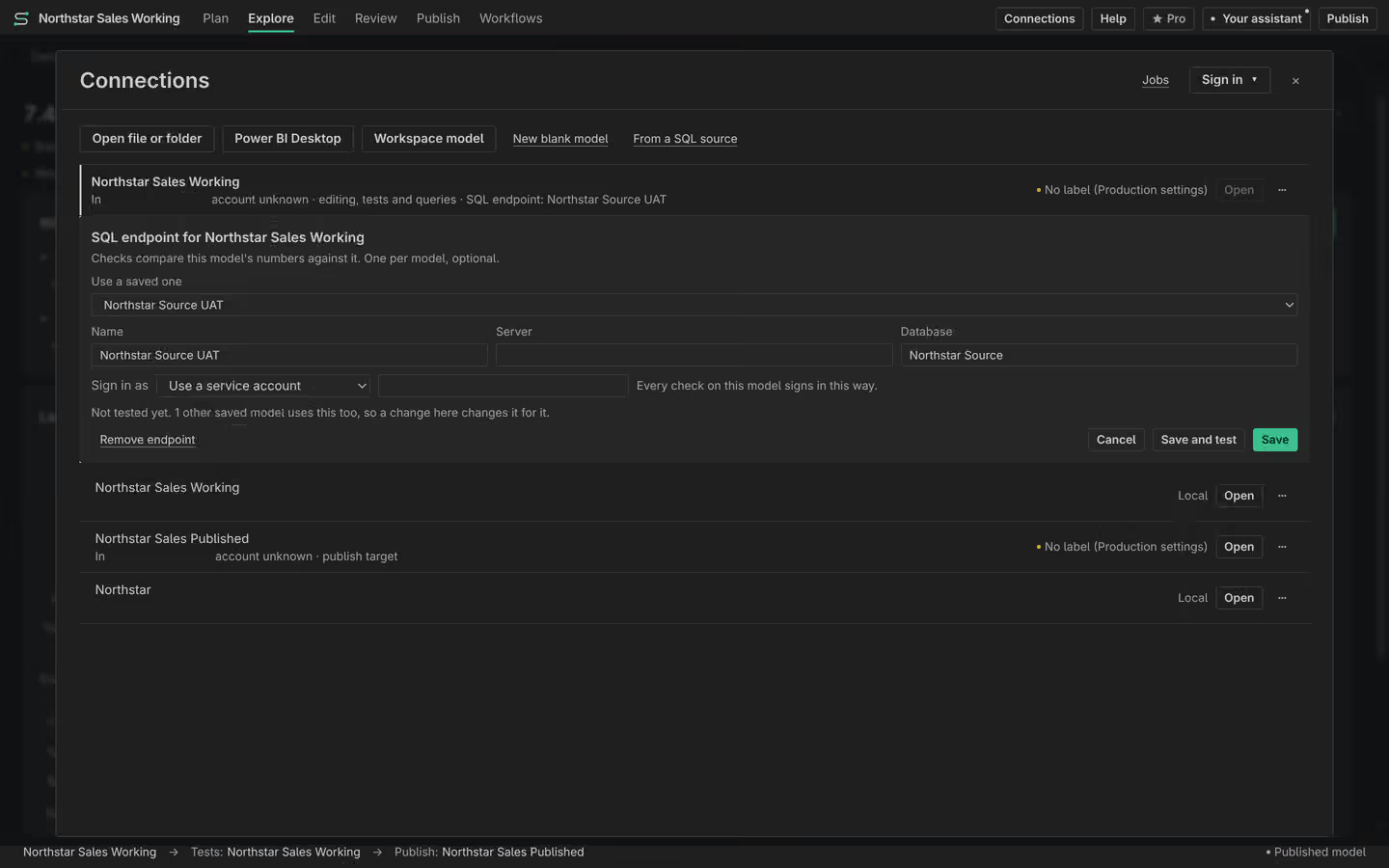
Connections names Editing, Tests and queries and Publish to. Editing is the model whose definition you change. Tests and queries is the running model used for query results. Publish to is the destination of a confirmed write. Check all three names before working across environments.
Add a SQL source
A SQL source supplies trusted rows or answers for supported checks and model work. Set the endpoint and sign-in in Connections. Review the table mappings between that source and your model. A mapping is an explicit relationship between names, not evidence that two tables contain equal data. Check against SQL uses the configured source and the selected contexts.
Label the environment
Set environment labels in VS Code. The assistant’s permissions use those labels to distinguish development work from production work. A label does not change a server’s permissions. An unlabelled connection still needs care. Review the permission preset before allowing an assistant write, and keep production changes subject to exact-action approval.
Disconnect and recover
If a query fails, check the Tests and queries connection rather than changing the Editing model. If Publish points at the wrong environment, stop and choose the intended target before requesting a new preview. Disconnect a source you no longer need. When a saved connection list is recovered from a backup, recovered entries are treated as production until you set their labels again.