Edit an object’s properties
Change the selected object, then read what changed in History.
On this page
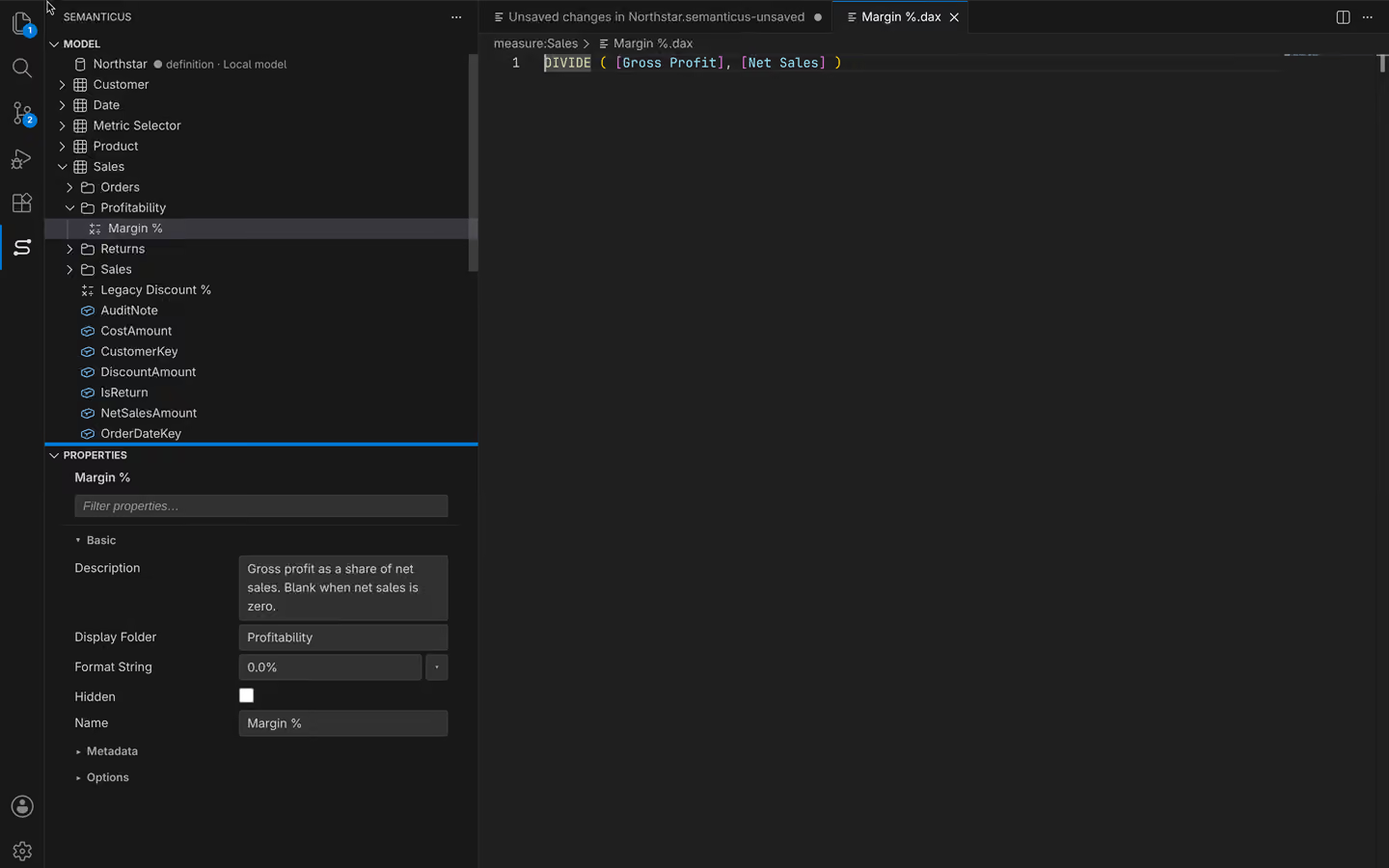
Select the object
Use the model tree to choose a table, measure, column or relationship. Properties shows fields for that object. Check the object name before applying a value. When selecting several objects, read which fields apply to all of them and how mixed values are shown.
Apply a field
Change a description, folder or format and apply it. Use the format picker to see the intended number or date format. Invalid input is refused with a reason; it is not silently kept. Manual and reviewed bulk property edits are Free. Every DAX write is checked regardless of Record verified edits.
Review a rename
Review updated model references before renaming. External reports, source queries and other systems can hold names that are outside the inspected model. A local reference update cannot guarantee they all change. Use Find and replace for a broader preview and Lineage for inspected dependencies.
Inspect and Undo
Open History within Plan to read the author and old and new values. Undo reverses the recorded edit. Save local work when you are satisfied. A property edit in the session does not publish it to a remote destination.