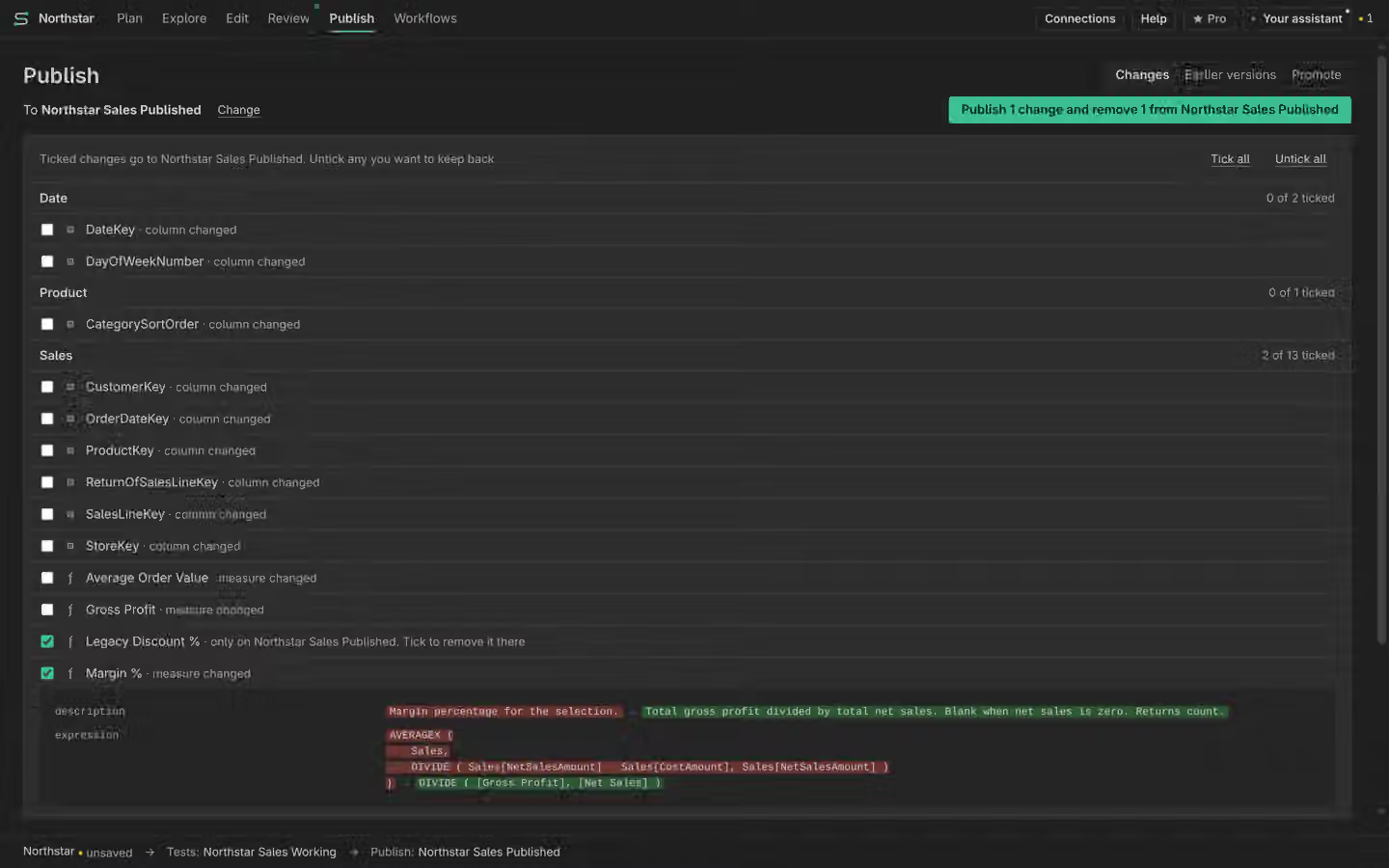
Compare two model definitions
Review the difference, including what a selected merge would remove.
On this page
Choose both models
Choose the model you are editing and the reference you want to compare. Check their names, connections and states. A file definition and a live model can differ for reasons beyond your current work. The comparison covers model metadata, not a complete row-by-row data comparison.
Read the three views
Use the available summary, selected-change and side-by-side code views to inspect the difference. Review object identity and names together. A rename and a removal followed by an add can have different effects on references.
Select a merge
Choose only the changes you intend to merge, including explicit deletions. Inspect the preview and any unresolved dependencies before applying. Manual selective and bulk merges are Free. They change the editing session; they do not confirm a remote Publish.
Inspect the result
Read the new state and History, then run relevant checks. Unknown report coverage remains unknown. A successful metadata merge does not establish correct answers or successful remote delivery.