Check a calculation
Run a query, inspect its context and compare the result you actually need.
On this page
Run a DAX query
Data Analysis Expressions (DAX) is the calculation language used by the model. Open Queries, choose the live query connection and enter a query. Read its result grid with the selected model and filter context. A local definition cannot supply live query results.
Read the performance breakdown
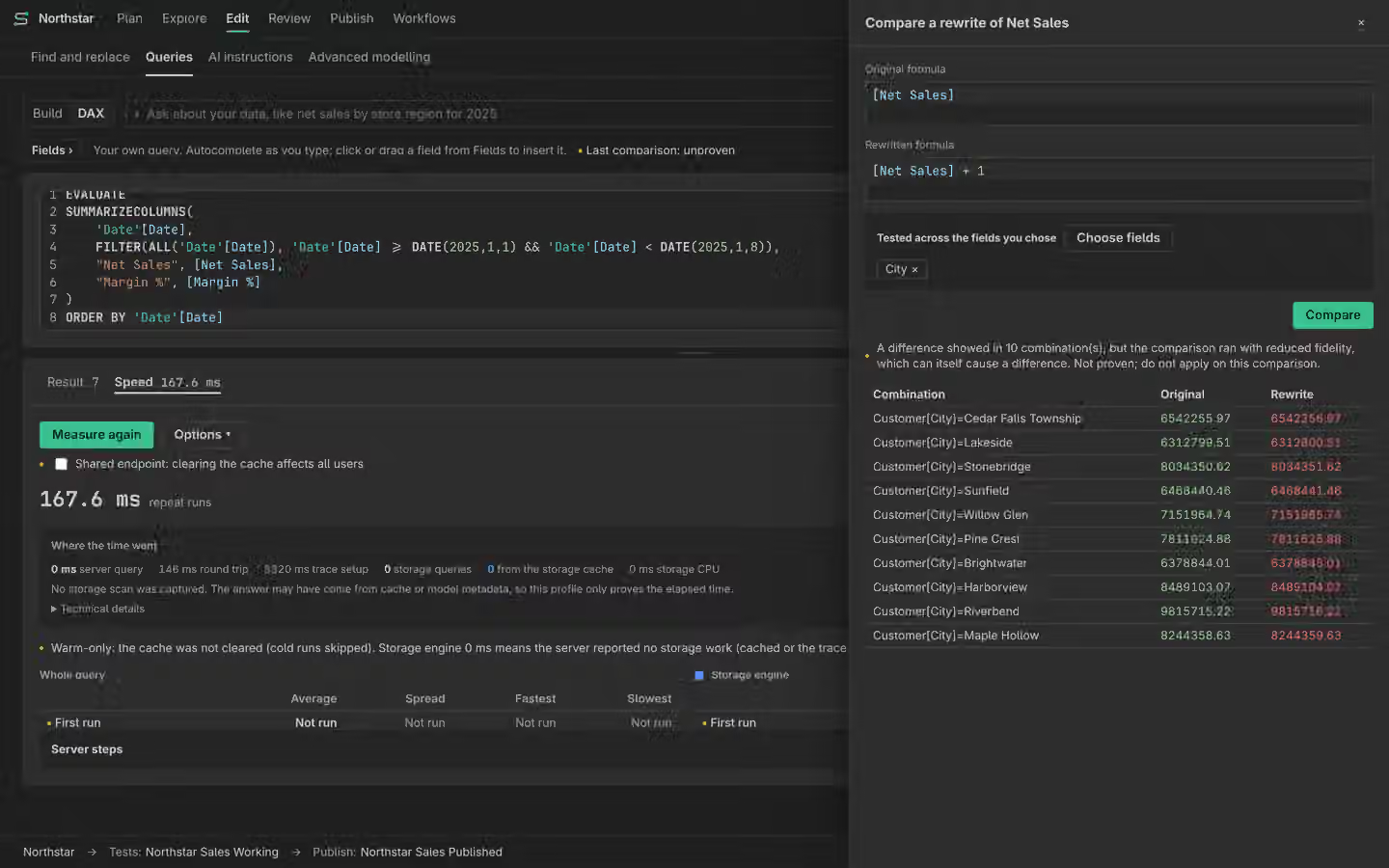
Queries can show timings and a performance breakdown for the run. Compare the same query, model state and context when investigating performance. Cache and service conditions can affect later runs. A faster result is not proof that the expression means the same thing.
Compare a rewrite
Choose the original calculation and a proposed rewrite, then compare their results across the contexts you specify. Inspect a mismatch before keeping the rewrite. Passing those contexts does not prove equality in all possible contexts. A check that could not run remains unavailable.
Explain a cell
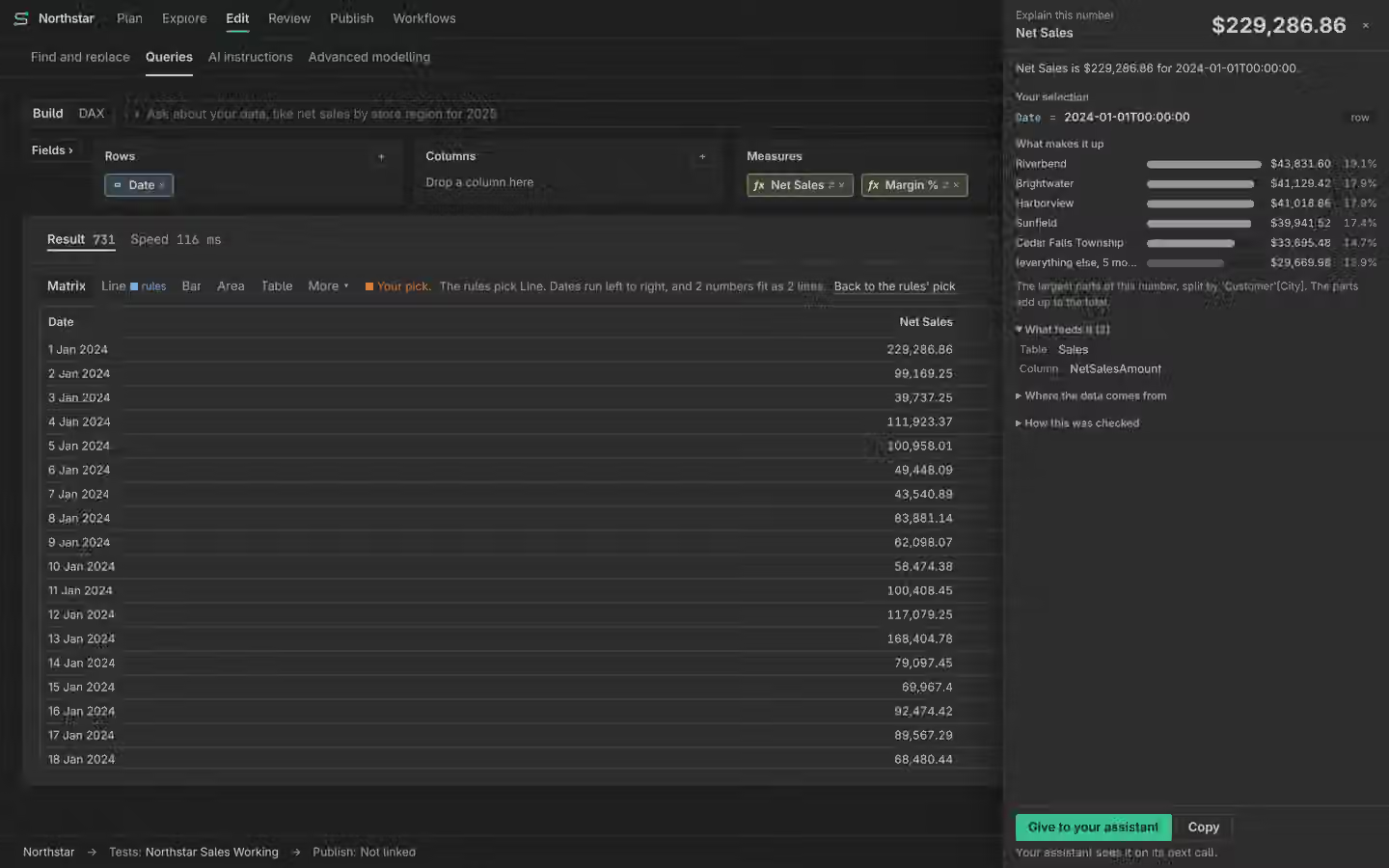
Select a cell and read the context and contributors used to explain it. Some calculations cannot be decomposed into parts that sum to the result. In that case the page refuses that explanation rather than inventing contributors. Pro’s question box shows the reading it chose before showing the answer, with Show it anyway when meaning is missing.