See where memory goes
Use measured storage to find work worth investigating.
On this page
Run a storage scan
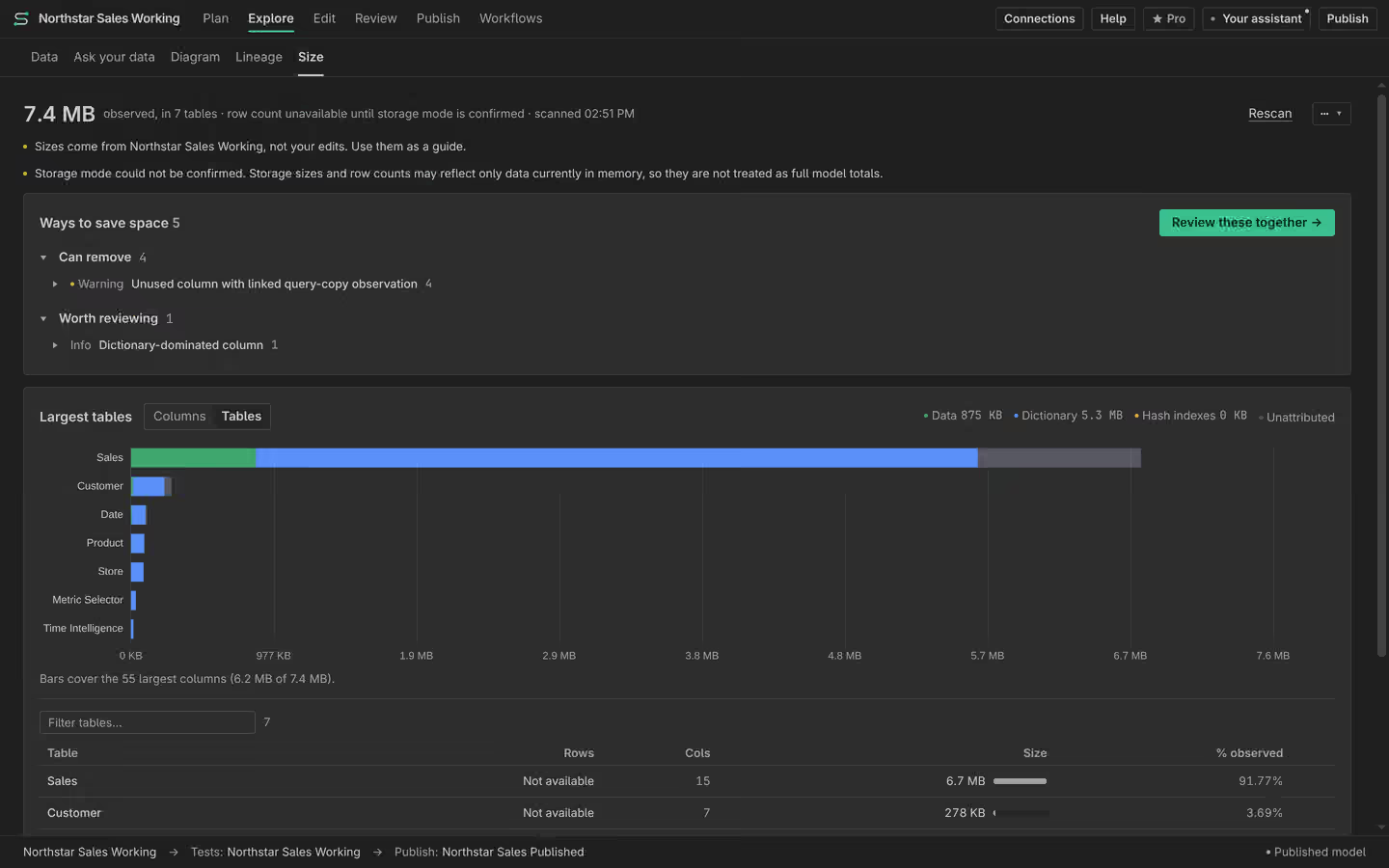
Open Size by table with a supported live connection. The scan reports measured memory use by table and component. A local definition without a running model cannot supply those measurements. Read any unsupported or unavailable result as unknown rather than zero.
Read the composition
Inspect the column data, dictionaries and other reported components before deciding what to change. A large table may simply contain necessary data. A suggested opportunity is a place to investigate, not a guaranteed saving. Keep a baseline so you can compare the same model and connection after the change.
Put work on the Plan
Give to your assistant creates a Plan task for an opportunity. Ask it to check uses and propose a reviewable change. Manual investigation and edits are Free. Measure again after applying the change. Different refreshes, row counts or model states can make a storage comparison misleading.