 Semanticus
Data & Storage
Use Data to inspect rows. Use Storage to see where model memory goes and turn that into decisions. The Storage tab was formerly called Statistics; in 1.1.0 it is redesigned around a scan, act and verify loop.
#Preview data
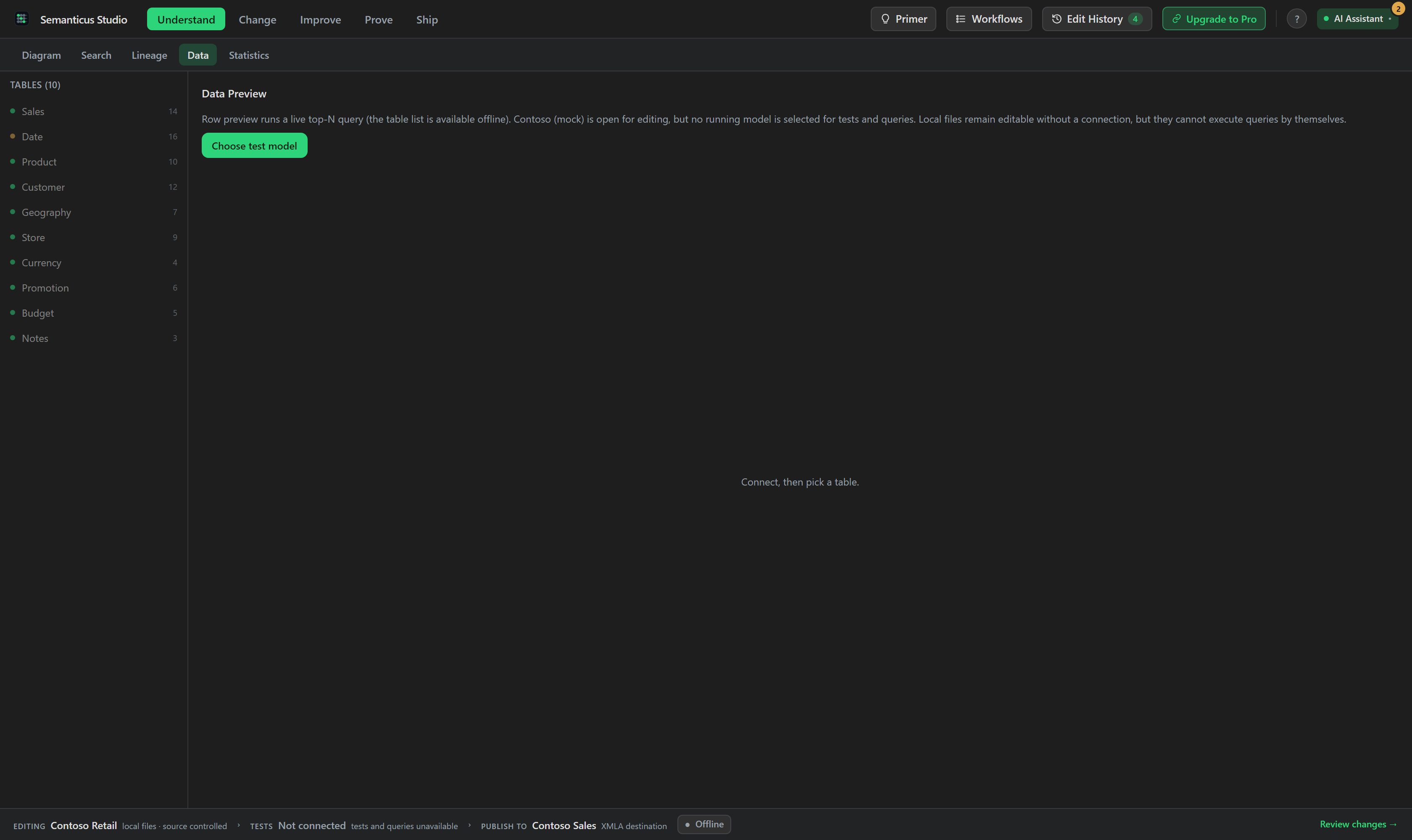
Choose a table, set a row limit and add filters to inspect the values returned by the connected model. The model tree and row counts remain available offline, but row preview needs a live query connection.
#Storage: scan, act, verify
The Storage tab turns the column-storage scan into a loop over the engine reads you already have. The header states total known column storage with its Data, Dictionary and Hash-index composition and a measured delta against a pinned baseline. Ranked component bars replace the old treemap, and each bar clicks through to the object it describes.
An Opportunities panel groups honest findings, an unused large column, a dictionary-dominated column, a hash-index-heavy column, an identifier summarized by default, each shown with the effect it carries. Ask AI copies a grounded prompt for a finding, and any bulk or destructive action hands off to the Change Plan rather than deleting in place.
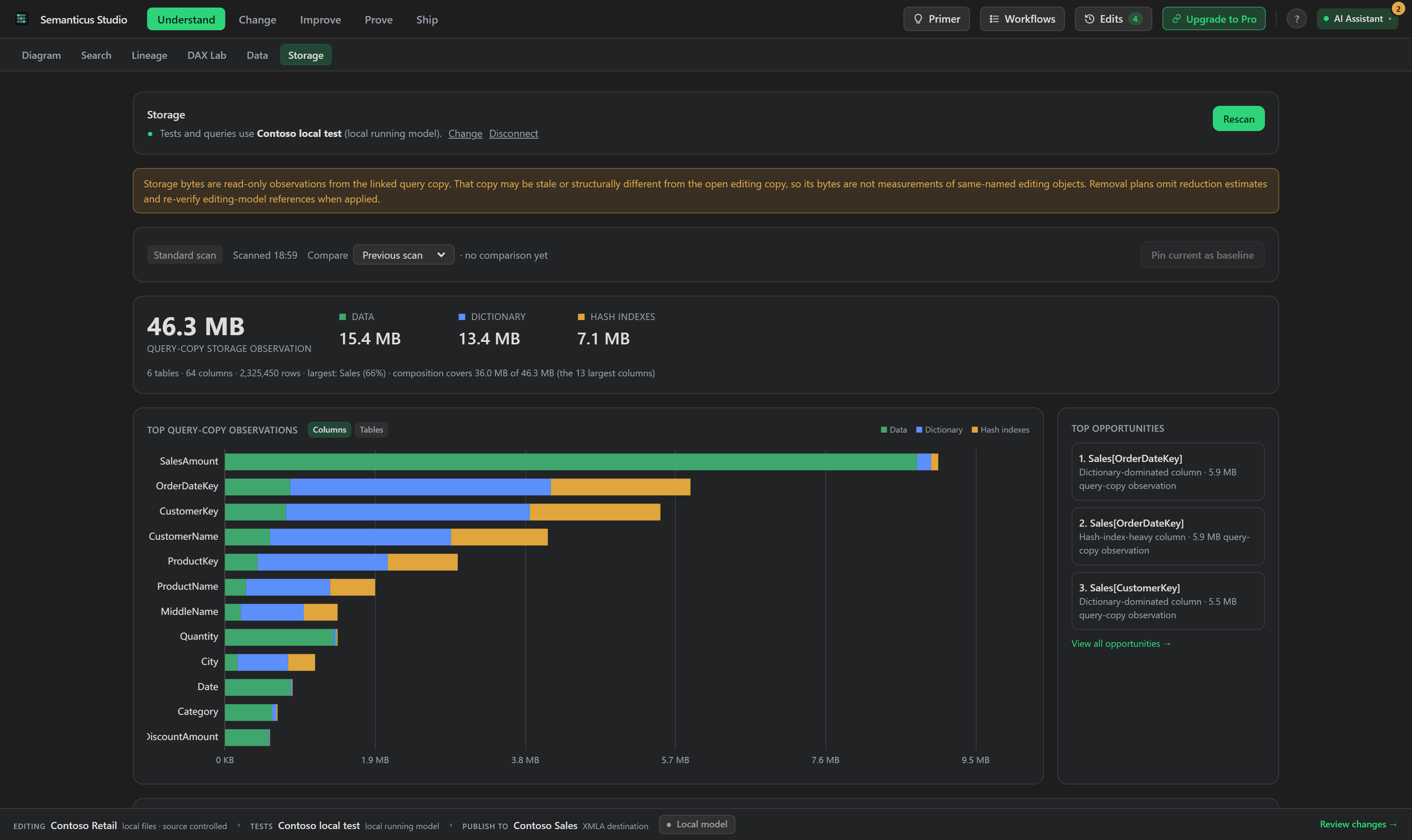
Storage mode is reported honestly as import, Direct Lake or unknown. An unknown mode suppresses totals and disables byte-grounded deletes until the scan is proven to describe the model you are editing, and a delete is also held back when an object's name is slash-ambiguous. Plan-routed removals recompute the unused verdict at apply time, so a stale delete is skipped with its reason instead of running blind.
Storage values come from the live query engine (the underlying VertiPaq store). Connect a local running model or an XMLA endpoint before scanning.